
 PR
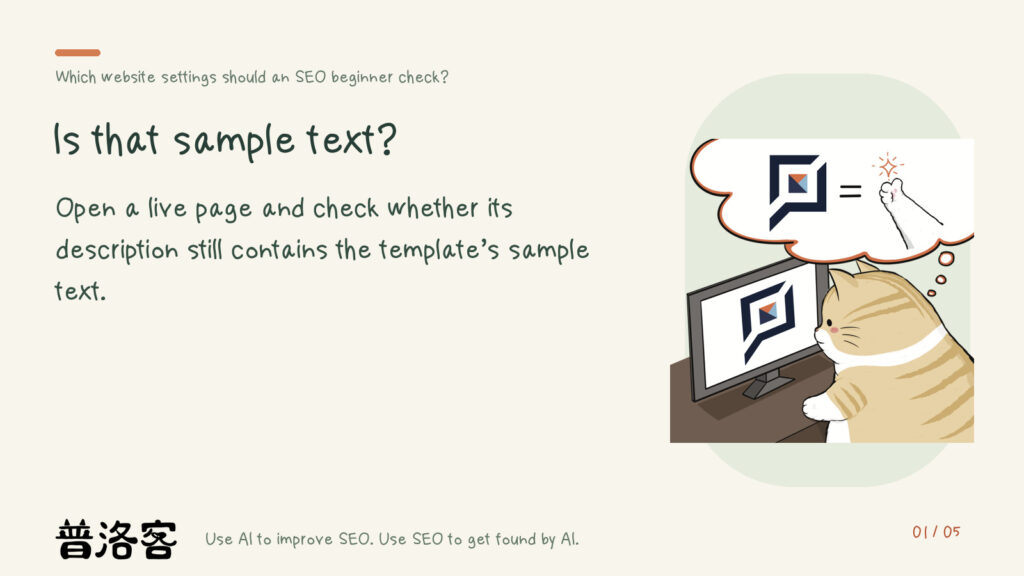





If you’re new to SEO, start by checking your site’s page titles and descriptions, how your content is organized, and whether your pages are indexed. If you use a platform such as 91APP, Shopline, or Shopify, working through its recommended SEO checklist will usually cover the basics. If you use WordPress, you can cover the basics by installing RankMath or another SEO plugin and following its recommended setup steps.
 PR
 PR

Check page titles, descriptions, and social sharing settings first
A simple first step is to look at the head section of a page’s source code and check its title, description, and social sharing tags. Right-click the page and choose “View Page Source.” Look between <head> and </head> to find the title, description, and related settings.
- Page title: Does it clearly state the topic, using keywords and descriptive wording that match the content?
- Page description: Have you written a description that fits the page, or does it still say something like “I am a page description” from the template?
- Social sharing settings: Check the title, description, and image that appear when someone shares the page on social media.
Check the heading hierarchy, not just the font
When you publish an article, check its HTML to make sure it uses heading tags such as H1, H2, and H3 correctly. Start by outlining the page’s main topic and its section headings. Then check whether the tags on the page reflect those levels.
This is what people in the industry call semantic markup. Changing a heading’s font or size only changes how it looks. It doesn’t tell search engines which heading sits above another in the outline. Use the appropriate heading tags to make that structure clear.
WordPress plugins and URLs: check what applies to your site
If you use WordPress, you can start with a free SEO plugin such as Yoast SEO or All-In-One SEO Pack. One of the articles also lists RankMath. These tools can help you improve your site, but choose just one. Installing more than one can lead to conflicts that cause problems for your site.
I also recommend checking your WordPress permalink settings. The recommendation is to use post names in URLs rather than sequential numbers. If you’re new to this, start by looking at the URLs you already have. Don’t change every URL on an existing site based on this older advice alone. Check your platform and how your site is currently set up before making changes.
Check your sitemap and whether it’s been submitted to Search Console
Generating a sitemap and submitting it to Search Console is the fastest way to get your site to appear on Google. For an initial check, find out whether your site already has a sitemap, where it’s located, and whether it’s been submitted. Don’t simply copy the steps an older article gives for working in the site’s root directory.
 PR
 PR
Website settings for SEO beginners: perspectives from across the web
Do I need a domain with www for better SEO?
Do beginners need to check structured data?
What can beginners learn by setting up traffic analytics?
 PR

References
- SEO 教學:45 個網站新手處理 SEO 要注意的小技巧和清單ithelp.ithome.com.tw — Discusses: Do I need a domain with www for better SEO?
- SEO - 新手入門ithelp.ithome.com.tw — Discusses: Do beginners need to check structured data? What can beginners learn by setting up traffic analytics?
- 分享 45 個網站新手處理 SEO 要注意的小技巧和清單ithelp.ithome.com.tw — A source for the discussion in this article.
 PR
 PR